Carried into the draft
- Markdown pages and directory paths
- Directory landing pages published from README files
- Images included in the Git export
- Redirects declared in GitBook configuration
- A proposed navigation structure for review
 staleless
GitBook migration
Move a GitBook space without losing the paths readers already use. Staleless imports the export into a reviewable draft and reports what needs a person.
A report before a commitment
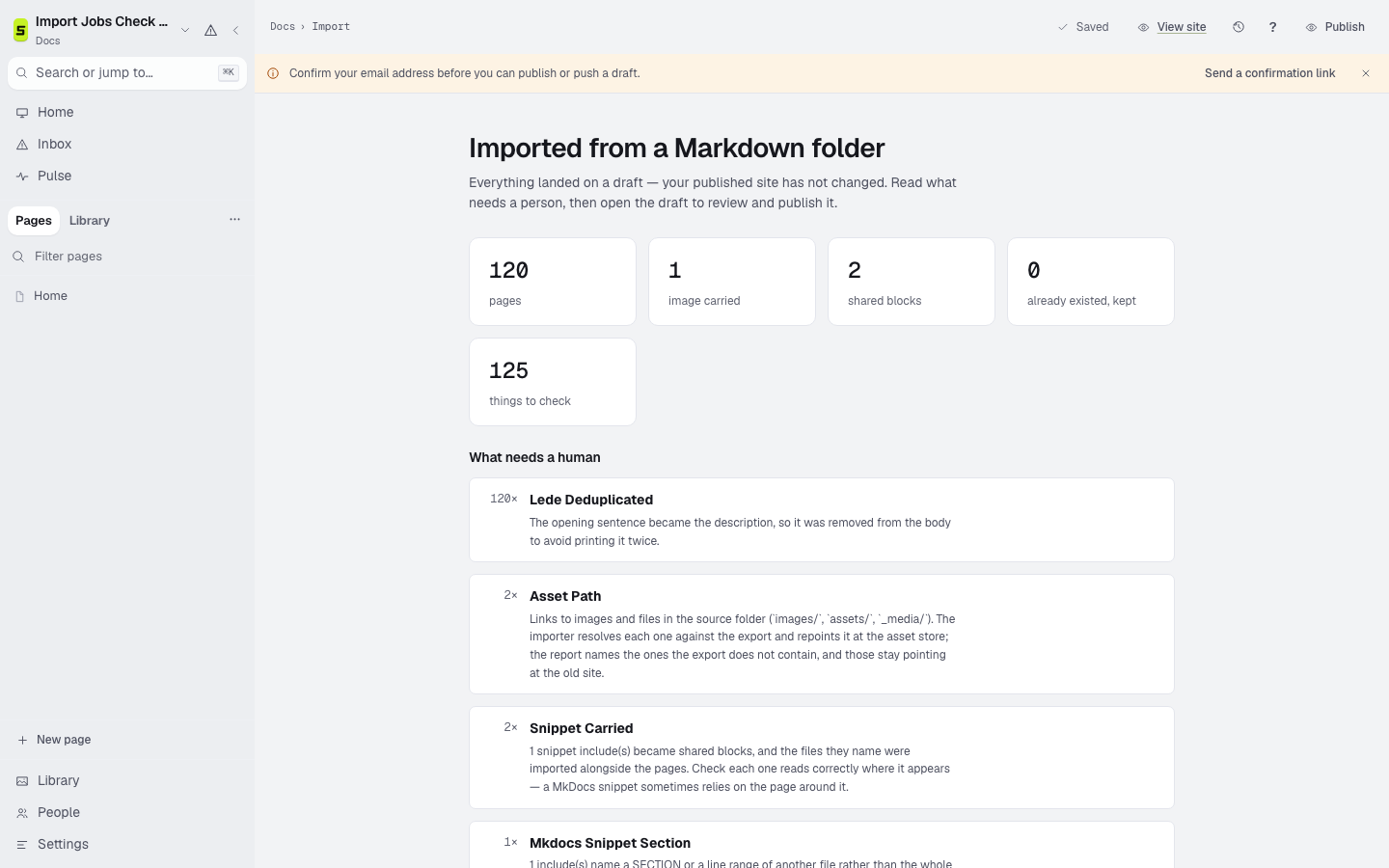
The import starts from a GitBook export. It counts pages and assets, names changed paths, groups conversion notes by cause, and produces navigation for a person to review.
The migration
Create a GitBook Git or Markdown export and keep its asset directory with it.
Run the import report first. Nothing overwrites an existing page silently.
Read the conversion notes, navigation proposal, changed paths, and missing assets.
Preview, crawl, add redirects, then move the domain only when the result is verified.
Verification checklist
Keep the source export and the old site until readers, search engines, assets, and redirects all reach the intended answers.
Bring a real export
Other sources