Docusaurus migration

Move from Docusaurus without hiding what changed.

Move Docusaurus content without treating an MDX build as plain text. Staleless reads the docs tree, sidebars, configuration, includes, and assets before producing a draft.

A report before a commitment

See what moves. Review what cannot.

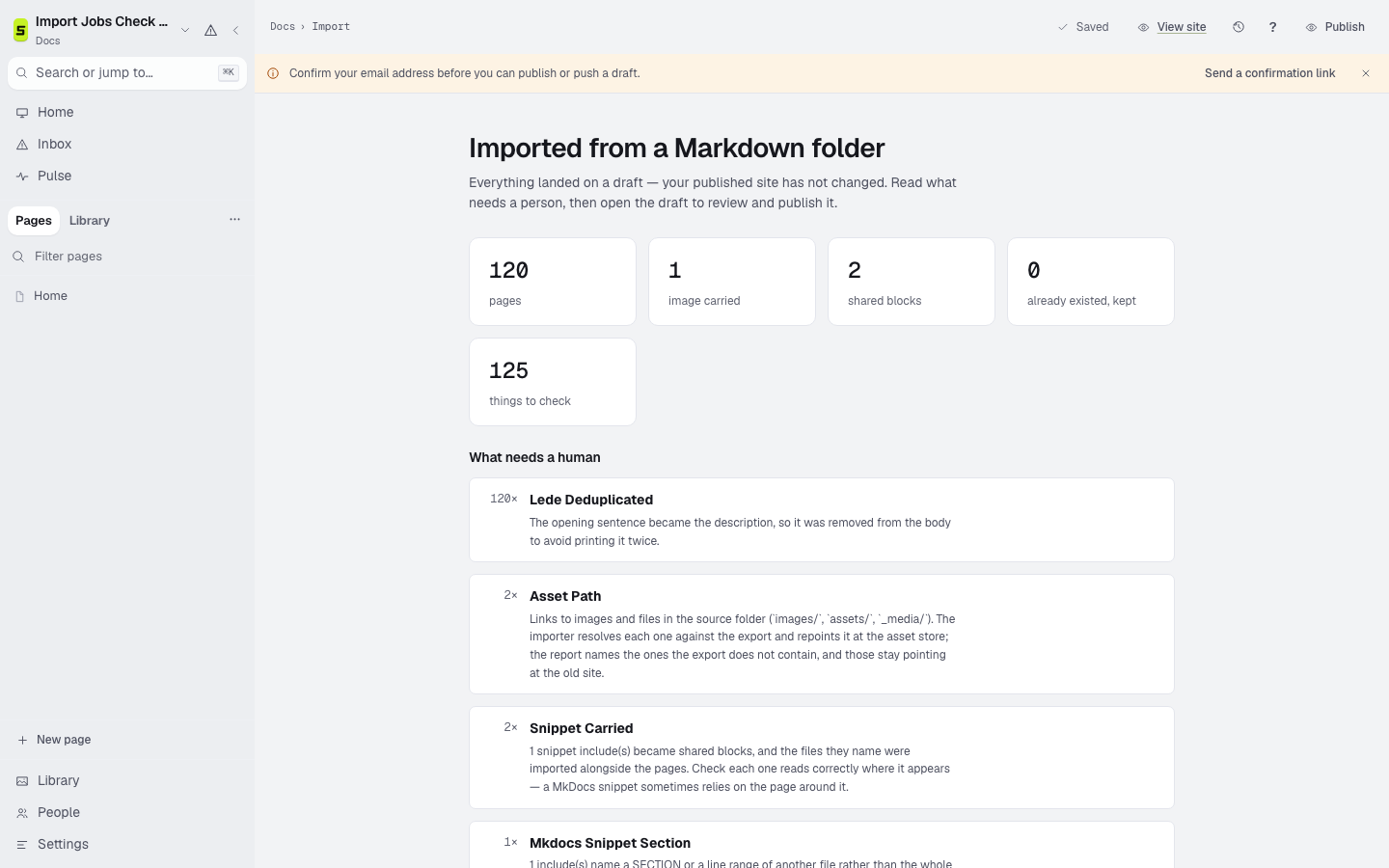
The import starts from a Docusaurus repository. It counts pages and assets, names changed paths, groups conversion notes by cause, and produces navigation for a person to review.

Preserved

Carried into the draft

  • Markdown and MDX pages under the docs tree
  • Sidebar intent from sidebars.js, sidebars.ts, or sidebars.json
  • Redirects declared in Docusaurus configuration
  • Imported MDX partials used as shared blocks
  • Local images and page metadata
Review

Named for a person

  • Site plugins and custom React components
  • Versioning conventions that depend on the Docusaurus build
  • Theme configuration and custom layouts
  • Runtime-generated reference content

The migration

Four steps, with the old site still available.

  1. 01Export

    Provide the repository with its docs directory, sidebars, configuration, and assets.

  2. 02Inspect

    Run the import report first. Nothing overwrites an existing page silently.

  3. 03Review

    Read the conversion notes, navigation proposal, changed paths, and missing assets.

  4. 04Launch

    Preview, crawl, add redirects, then move the domain only when the result is verified.

A Staleless Docusaurus import report showing pages, assets, and items needing review

Verification checklist

The upload finishing is not the migration finishing.

Keep the source export and the old site until readers, search engines, assets, and redirects all reach the intended answers.

  1. 01Compare sidebar groups and page ordering.
  2. 02Review every converted MDX component and shared block.
  3. 03Test version and redirect addresses against the current site.
  4. 04Build the preview and crawl links, images, and headings.

Bring a real export

See the migration report before you decide.

Other sources

Migrate from GitBook Migrate from Mintlify Migrate from Notion Migrate from Markdown